
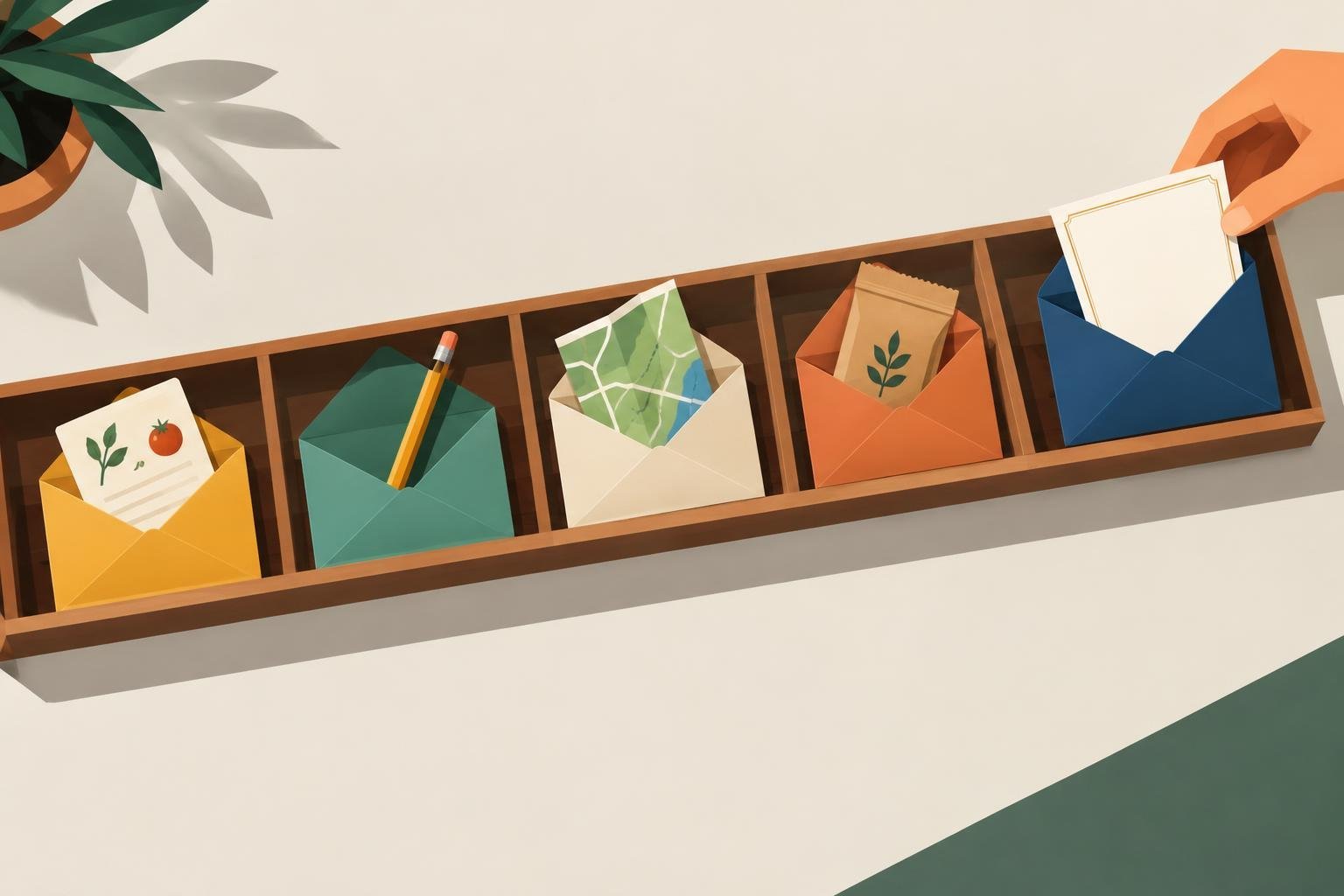
A new subscriber has just given you permission to show up in their inbox. What happens next can shape whether they read your emails, explore your offers, or forget why they signed up. A thoughtful email welcome sequence gives that relationship a useful start without making every message a sales pitch.
You don’t need a complicated funnel or a long series of automated emails. Build around a clear promise, a few helpful messages, and a next step that makes sense for your audience. This guide walks through how to plan, write, and improve a welcome sequence for a blog, online store, service business, or creator brand.
What an email welcome sequence should do
A welcome sequence is a set of emails sent automatically after someone subscribes. It introduces your business, delivers what you promised at signup, and helps subscribers find the next useful resource or action.
Think of it as a guided first experience, not a miniature version of your entire marketing calendar. A reader who subscribed for a beginner’s SEO checklist probably doesn’t need an immediate pitch for an unrelated service. They need the checklist, an explanation of how to use it, and a relevant next step.
A well-planned sequence usually aims to:
- Deliver the promised download, discount, or resource.
- Set expectations about the emails subscribers will receive.
- Show how your content or product helps with a specific problem.
- Invite a low-pressure action, such as replying, reading a guide, or exploring a product.
Choose one primary goal for the sequence. For a blog, that might be helping subscribers discover your most useful articles. For a service provider, it could be explaining an approach and inviting qualified readers to book a consultation. A single goal keeps the messages coherent.
Plan your email welcome sequence before writing
Look first at the signup moment. Write down what the person saw before subscribing, what they expect to receive, and what problem they are trying to solve. Your first email should make that connection obvious.
Match the sequence to the signup offer
If a visitor signed up for a meal-planning template, send it right away and offer a useful tip for putting it into practice. If they joined through a guide to choosing an email marketing platform, follow up with advice about setting up a first campaign. The closer your messages stay to the original reason for subscribing, the more natural they feel.
If you have several signup forms for very different topics, consider creating a separate sequence for each. You don’t need to build many at once. Prioritize the form that brings in the most relevant subscribers or supports your current business goal.
Choose a manageable length and schedule
For many small businesses, three to five emails are enough to introduce the brand and provide a useful path forward. There’s no universal ideal length. A short sequence can work well when the offer is simple, while a more considered purchase may call for additional education.
Space the messages so subscribers have time to read and act. For example, send the first email immediately, the second after a day or two, and later messages every few days. Adjust the timing to fit the topic and your regular sending schedule. Avoid stacking several messages into a short period unless the subscriber explicitly expects that pace.
A practical five-email welcome sequence
Use this outline as a starting point, not a fixed formula. Each email should have one main purpose and one clear next step.
- Email 1: Deliver and orient. Send the promised resource or confirmation. Briefly explain who you help, what kind of emails you send, and how often readers can expect to hear from you. Point to one easy action, such as opening the guide or saving the resource.
- Email 2: Help them get a quick result. Share one practical tip connected to the signup offer. Explain how to use it and include a small example. Make the advice useful even if the reader never buys anything.
- Email 3: Explain your method. Describe how you approach the problem differently or outline the steps you recommend. Keep it grounded in a real process rather than broad claims. Link to a relevant article, tutorial, or product page if you have one.
- Email 4: Address a common obstacle. Identify a question or hesitation subscribers often have. Answer it plainly, acknowledge where a solution may not fit, and suggest a reasonable next step.
- Email 5: Make a relevant invitation. Invite the reader to take the next action that fits your goal. That could mean trying a product, booking a call, browsing a set of resources, or replying with a question. Explain who the offer is for and what happens after they click.
For example, imagine a food blogger whose signup form offers a weekly meal-planning sheet. The first email delivers the sheet. The second shows how to plan around one busy evening. The third explains how to build a grocery list from the plan. The fourth answers a common question about adapting meals for a small household. The final email points to a collection of recipes that support the same planning goal.
Notice that the sequence stays centered on the subscriber’s original need. The invitation at the end feels connected because the earlier emails have already helped the reader make progress.
Write welcome emails people can scan and use
Keep each message focused on one idea. A long email can work if it’s genuinely useful, but don’t make readers work through several unrelated topics to find the point.
- Use a clear subject line. Tell readers what the email contains, such as the name of the resource or the problem you’ll help them solve. Avoid subject lines that promise more than the message delivers.
- Open with the reason they subscribed. A brief reminder helps readers connect the email to the signup form or offer.
- Make the next step specific. “Read this tutorial” is clearer than “Check out my site.” If you want a reply, ask one simple question.
- Write like a person. Use direct language and explain unfamiliar terms. You don’t need to pretend the email is a personal note if it’s a business message.
- Keep design functional. Make links easy to tap, use readable text, and ensure the key information still makes sense if images don’t load.
Before setting the sequence live, read each email on a phone. Check that links work, the resource is accessible, and the opening lines make sense in a short inbox preview. Send yourself a test version and verify that personalization fields display correctly.
Set up the automation and protect the subscriber experience
Most email marketing platforms let you trigger an automation when someone joins a list or completes a form. The exact steps vary by provider, but the basic setup is similar:
- Create or select the signup form and the audience or tag it applies.
- Build the email sequence and set the delay before each message.
- Connect the form to the automation trigger.
- Test the signup path using an address that isn’t already on the list.
- Confirm that subscribers receive the promised resource and the expected messages.
Pay attention to what happens if someone signs up twice, unsubscribes, or becomes a customer while the sequence is running. Depending on your platform and campaign, you may want to prevent duplicate entry or stop promotional messages after a purchase. Make sure your signup process and email practices follow the rules that apply to your audience and location. Include a working unsubscribe option and don’t add people who haven’t agreed to receive your emails.
Also check the transition from automation to regular newsletters. If subscribers will begin receiving weekly emails after the welcome sequence, tell them when that will happen. Clear expectations can prevent confusion and help people decide whether your messages suit them.
Measure the sequence and improve it gradually
Don’t judge a welcome sequence by one metric alone. Opens can be affected by privacy features and inbox behavior, so use them as a directional signal rather than proof that a message was read.
Track measures that relate to your goal, such as:
- Clicks: Are subscribers visiting the resource or page you recommended?
- Replies: Are readers responding to a question or asking for help?
- Conversions: Are relevant subscribers taking the action the sequence was designed to support?
- Unsubscribes and complaints: Does a particular message appear to create a mismatch in expectations?
Review the sequence after it has had enough time to reach a useful sample of subscribers. If people aren’t clicking the resource in the first email, check that it’s easy to find and that the message matches the signup promise. If clicks are healthy but few readers take the later action, the offer may be unclear, premature, or poorly matched to their needs.
Change one element at a time when you can. Improve a subject line, clarify a call to action, or move a message later in the sequence, then observe what changes. This makes it easier to learn which adjustment helped instead of rewriting everything at once.
Common mistakes to avoid
- Making the first email a hard sell. Deliver the promised value and establish trust before asking for a significant commitment.
- Sending generic messages to every subscriber. Keep the content connected to the topic or offer that brought people to your list.
- Overloading each email. Too many links and competing calls to action make it harder to choose what to do next.
- Forgetting to test. A broken download link or incorrect automation delay can undermine an otherwise strong sequence.
- Setting it and never reviewing it. Products, signup offers, and audience needs change. Revisit the sequence when those details change.
A useful welcome sequence doesn’t need elaborate copy or a large number of emails. It needs to deliver what subscribers expected, help them make progress, and point toward a relevant next step. Choose one signup offer, write a short sequence around its promise, test the automation, and use subscriber behavior to decide what to improve.